

Customer B2B Access
How Customers Access B2B Pricing
Logged-in vs Guest Pricing Behavior
What Happens When a Customer is Removed from a Group
How Customers Access B2B Pricing
B2B pricing in Netwise is exclusive to customers who are logged in and assigned to a Customer Group. Here's how access works.
Key points:
The customer must have a Shopify account and be logged in to your store.
They must be assigned to a Customer Group in Netwise.
That group must have an active, published catalog with pricing rules.
When all three conditions are met, the customer automatically sees their B2B prices on product pages and in the cart.
No special link or coupon code is needed — it works automatically in the background.
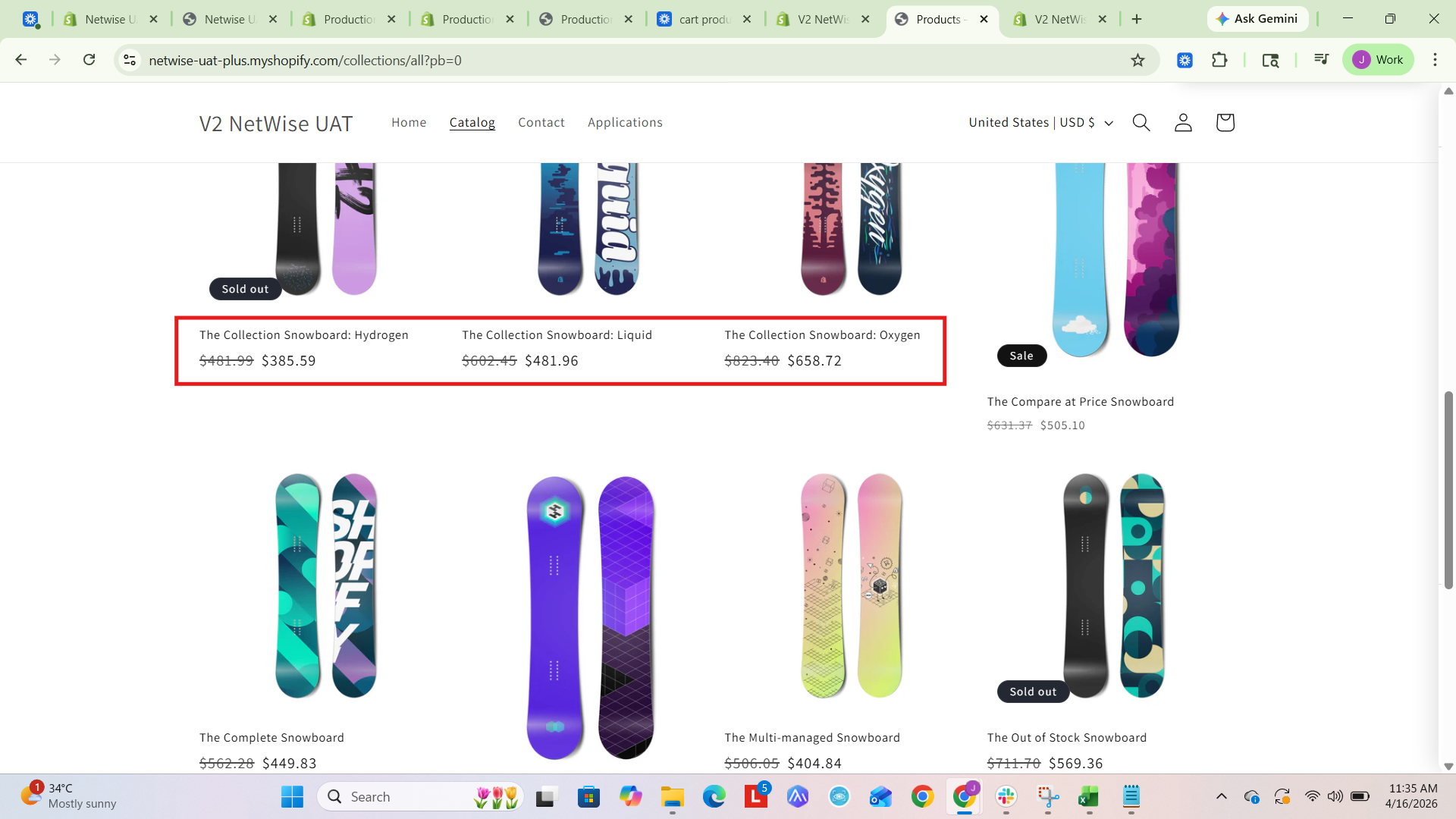
The collection page discount preview:
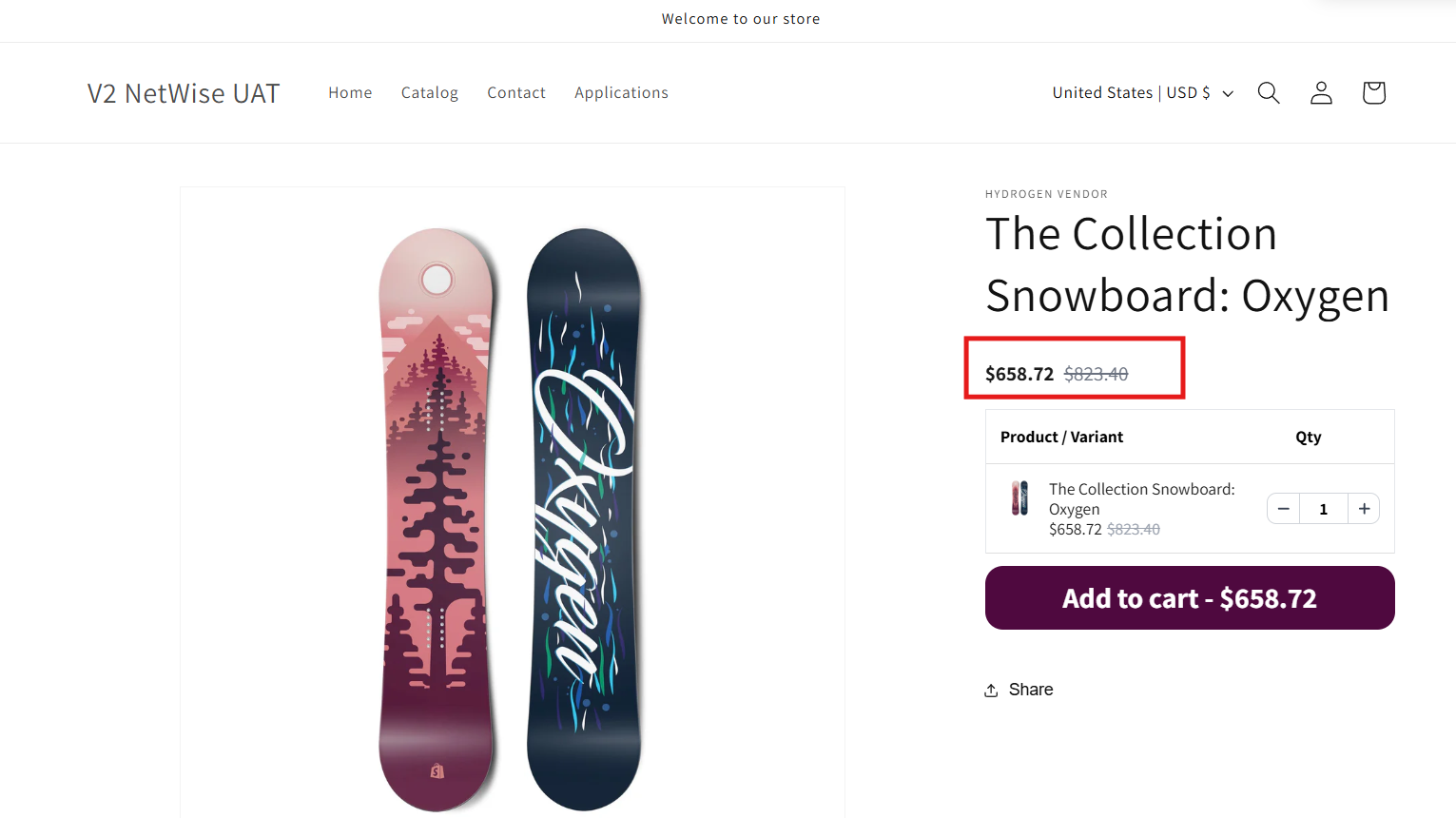
The Product detail page discount widget preview:
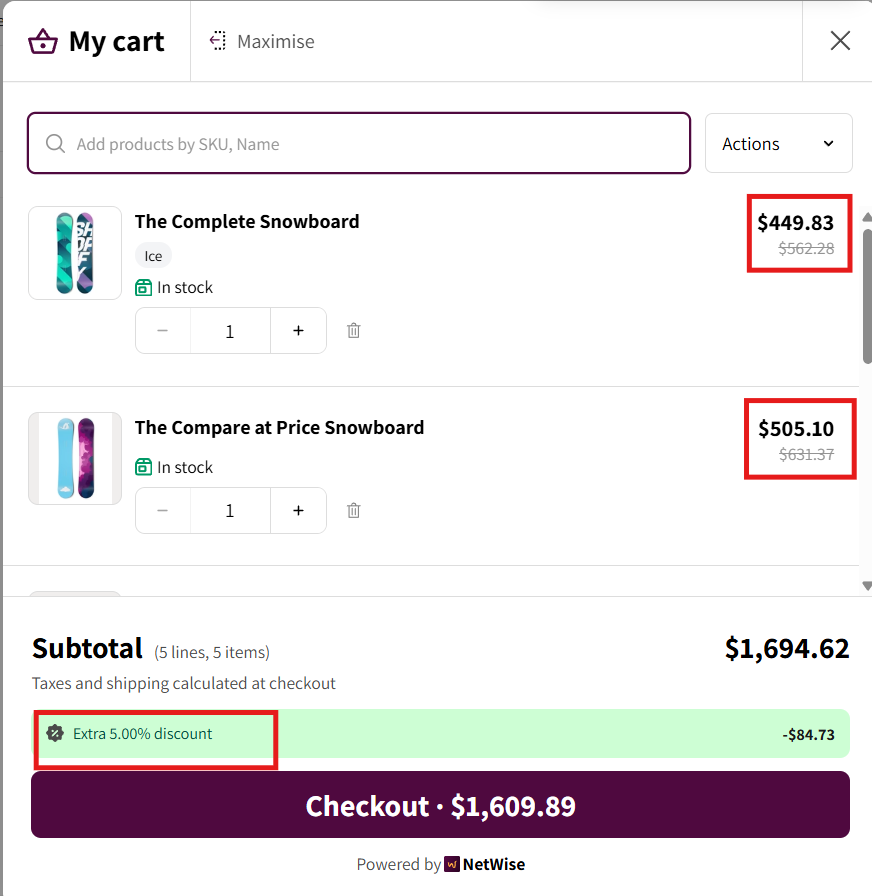
The B2B Cart Preview:
Logged-in vs Guest Pricing Behavior
Netwise applies different pricing depending on whether the visitor is logged in or browsing as a guest.
Visitor Type | Pricing Shown |
|---|---|
Logged-in B2B customer (in a group) | Catalog / B2B prices from their assigned group |
Logged-in customer (not in any group) | Default Shopify retail prices |
Guest / not logged in | Default Shopify retail prices |
Key points:
B2B pricing is never shown to guests or visitors who aren't logged in.
This keeps your wholesale prices private and exclusive to approved buyers.
You can additionally configure Display Settings in Netwise to hide prices entirely from non-B2B visitors.
Tip: Combine this behavior with a login-required page to create a fully gated B2B storefront.
What Happens When a Customer is Removed from a Group
If a customer is removed from their Customer Group — their B2B access is revoked immediately.
Key points:
The customer loses access to the catalog prices associated with that group.
They revert to seeing your default Shopify retail prices.
Any group-level discounts, minimum order rules, and shipping rules no longer apply to them.
The customer's Shopify account remains intact — only their B2B access in Netwise is affected.
If they are reassigned to a group later, B2B access is restored instantly.
Example: A customer in your "Resellers" group is removed because their reseller license expired. They immediately see regular retail prices on your store — no manual storefront changes needed.